Do You Still Need Antivirus in 2026? (Or Is Windows Security Enough?)

A lot of laptops still arrive with a “free trial” of McAfee or Norton. A year later, people are quietly paying £60 to £120 for something they never chose, mostly because it feels risky to cancel anything labelled “security”.
So here is the plain-English answer.
The 20-second answer
If you are on Windows 11, fully updated, and Windows Security is turned on, you usually do not need to pay for a separate antivirus.
You might still choose one if you want extra features (family controls, identity monitoring, or a bundled VPN), but for most households, the built-in protection is a solid baseline.
The bigger risk in 2026 is not “classic viruses”. It is scams, fake websites, dodgy downloads, and reused passwords.
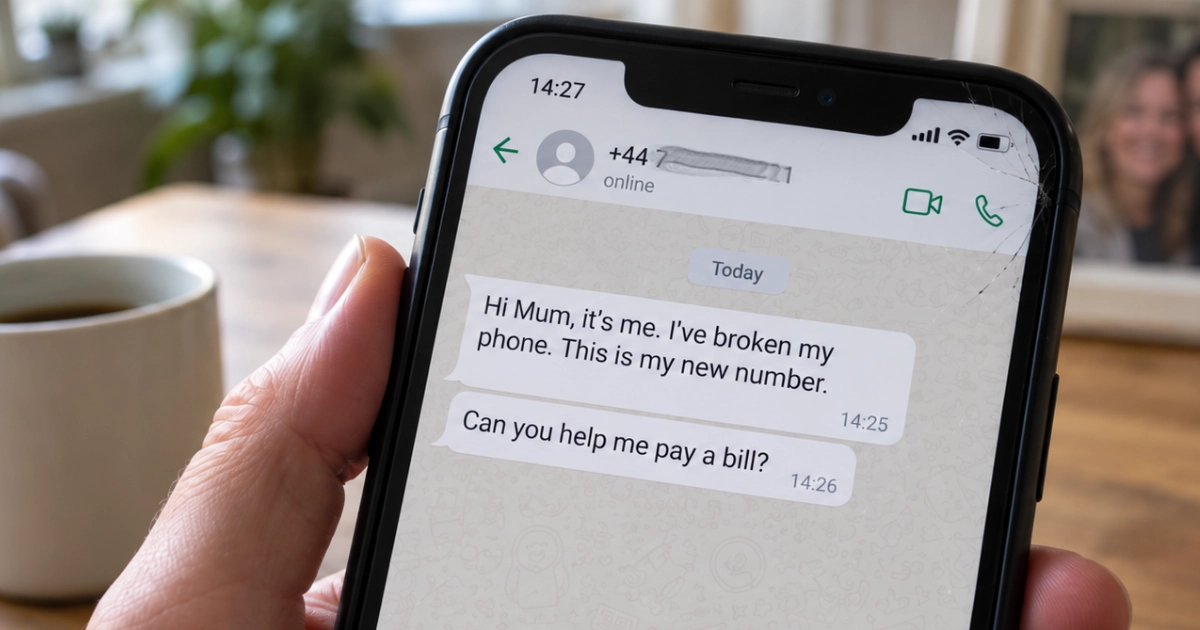
If you think you’ve already been caught out, our free Scam First Aid guide walks you through exactly what to do, step by step.
What Windows already includes (built in)
Modern Windows includes a security stack that most people never look at:
- Microsoft Defender Antivirus: Real-time protection against malware
- Firewall: Blocks unwanted inbound connections
- SmartScreen: Gives “that looks suspicious” warnings for apps and downloads
- Smart App Control: Helps reduce risky apps running (this is not available on every PC and may require a clean Windows setup)
- Background updates: Protection that updates quietly without you needing to click anything
If your PC is running well, adding more layers can make things worse instead of better.
The biggest myth: “More protection means a safer PC”
I regularly see computers running a paid antivirus suite, a second “backup” antivirus, a browser extension, and a “PC cleaner”.
That combination does not equal safety. It often leads to slower startup times, loud fans, constant pop-ups, and a lot of money spent on reassurance.
For home users, security comes from updates, good account hygiene, and sensible habits. Antivirus is just one layer.
The Windows 10 problem
This matters more than your antivirus choice.
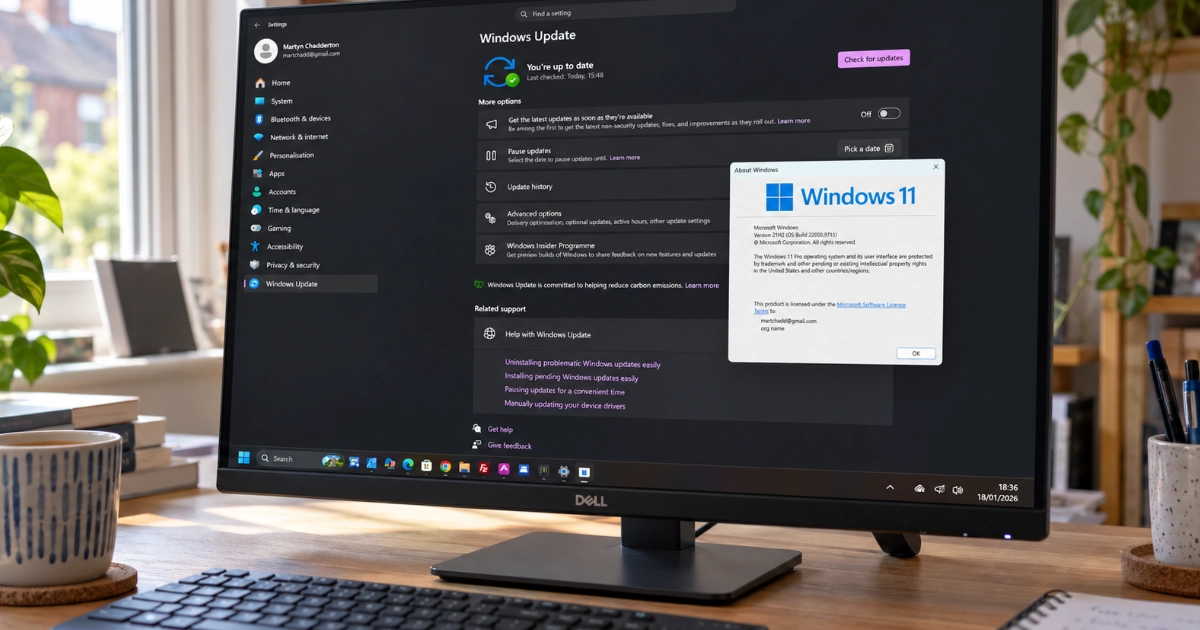
Windows 10 has passed the end of normal free security support. What happens next depends entirely on one thing: whether the PC is enrolled in Microsoft’s Extended Security Updates programme, usually called ESU.
If it is enrolled, an eligible personal Windows 10 PC continues to receive critical and important Windows security updates until 12 October 2027.
If it is not enrolled, those fixes have stopped. Think of that PC as a house with a broken lock. Antivirus is a security guard standing inside, which is worth having, but it cannot mend the lock. No antivirus product substitutes for missing operating system security fixes.
So the first question isn’t which antivirus to buy. It is which of these applies to you:
- Upgrade to Windows 11 (if your PC officially supports it)
- Enrol the PC in ESU and keep it security-updated while you plan properly
- Replace the device with a Windows 11 capable refurbished laptop if the machine is too old
(For help working out which of those fits your computer, see: Should You Force Windows 11 onto an Older PC?)
Quick decision checklist (be honest)
Tick anything that applies:
- Someone in the household has clicked a scary pop-up that said “Your PC is infected”
- You have had an email, Facebook, Amazon, or bank account “taken over” in the last 2 years
- You download software from random sites (mods, converters, cracked apps, or “free” tools)
- You share the computer across the family, including kids or grandparents
- You are still on Windows 10 without Extended Security Updates
- You rely on the PC for anything sensitive (banking, HMRC, or small business files)
Interpreting your score
| Ticks | Verdict |
|---|---|
| 0–1 | Safe zone. Built-in Windows Security is normally enough. Spend your effort on updates, passwords, and backups. |
| 2–3 | Caution zone. Built-in is still fine, but consider extra protection if you want guardrails like phishing protection and family tools. |
| 4–6 | High risk. Tighten the setup properly and consider a reputable paid suite. The bigger issue may be habits and outdated systems rather than the antivirus itself. |
Pro tip: If you see a pop-up saying your PC is infected and it gives you a phone number to call, close it and do not call. No legitimate security company (Microsoft, Apple, McAfee, etc) will ever ask you to ring them via a pop-up. If you're stuck with pop-ups that won't go away, our Virus & Scam Clean-Up service can help.
What about Macs?
Most Mac users do not need paid antivirus either, as long as they keep macOS updated and install apps from trustworthy sources.
macOS has built-in layers designed to prevent and block malware. Where Macs do get caught out is the same place Windows users do: phishing, fake login pages, and installing something just because a website told them to.
If you are already paying for Norton or McAfee
Do not cancel in a panic. Do this instead:
- Check whether you are actually using it
If Windows Security is active and the paid suite is also active, you may be doubling up. - Check whether it is bundled
Some broadband packages or bank accounts include security software already. - Ask one simple question
“Is this making my life safer, or just noisier and slower?”
If your PC has become sluggish and pop-up heavy, removing aggressive security software is often the fastest way to make it feel like a new machine again.
Paying specifically for McAfee or Norton? I have written a focused follow-up here: Are You Paying for McAfee or Norton When You Don't Need To?
How to check if you are protected on Windows
This takes about 60 seconds:
- Click Start
- Type Windows Security
- Open the app
- Look for green ticks under:
- Virus & threat protection
- Firewall & network protection
- App & browser control
If anything looks missing, disabled, or confusing, do not start toggling random switches. Take a photo and get advice.
The bottom line
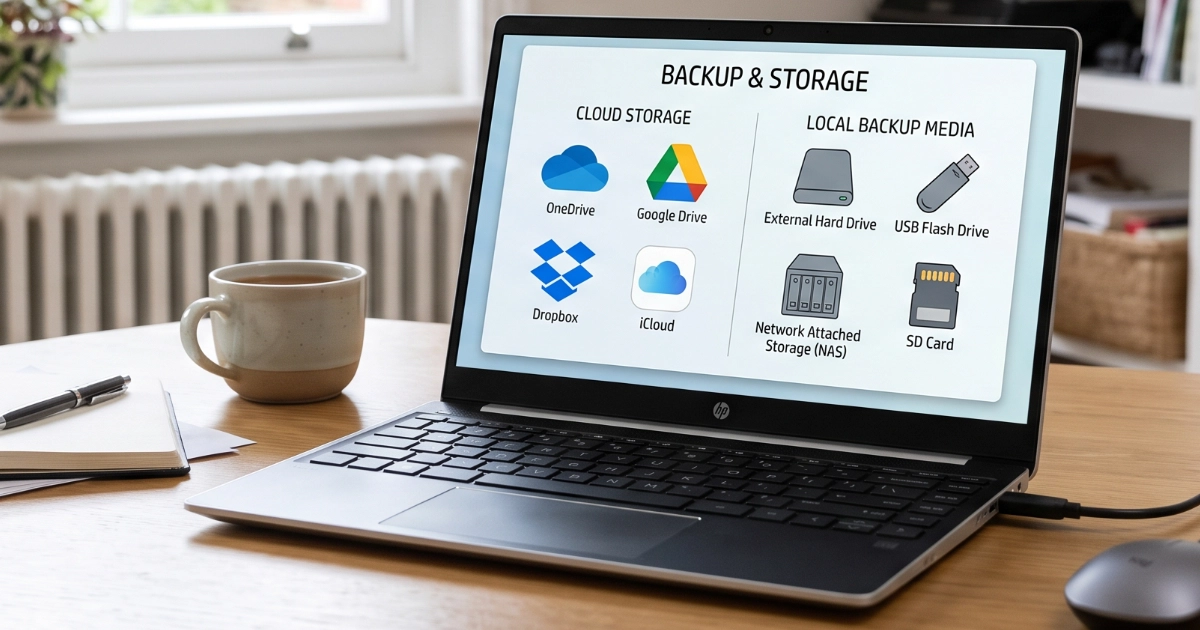
For most people, the best spend is not antivirus. It is a properly updated PC, safe accounts, and a calm, clean setup without overlapping security products fighting each other.
Unsure what you are paying for? Take a photo of the renewal email or the pop-up on your screen and message me. I will tell you if it is a keeper or something you can safely remove, and what to do next.