Are You Paying for McAfee or Norton When You Don't Need To?
If you are paying a yearly subscription for McAfee or Norton, you are not alone.
I see this often with clients in Marple. A laptop comes with a free trial already installed, a warning pops up, the renewal message sounds serious, and before long someone is paying every year for antivirus without being completely sure whether they still need it.
This article is deliberately focused on McAfee and Norton because they are the two paid antivirus products I most often see causing confusion for local clients.
If you want the broader picture on whether antivirus is still necessary in 2026, start with Do You Still Need Antivirus in 2026?
The honest answer for most home users is simple: if you are using a modern Windows PC, you probably do not need to pay separately for McAfee or Norton. Windows already includes very capable protection.
This is not saying that McAfee and Norton do nothing. They are real antivirus products and they do provide protection.
The problem is how they are often sold, renewed, bundled and presented to ordinary home users.
How people end up paying for Norton or McAfee
Most people do not sit down and carefully choose an antivirus subscription after comparing the options.
They usually end up with one in a much messier way.
It came pre-installed
Many new laptops arrive with a trial version of McAfee or Norton already installed. At first, it looks like a free extra. Then the trial runs out. Warnings start appearing. The wording often makes it feel as though your computer will be unsafe unless you subscribe.
So people pay to make the warnings stop.
That is understandable, but it does not always mean the subscription was necessary.
It was bundled with something else
Antivirus products are sometimes offered during the setup of other software, services, browser extensions, or device packages. The option to decline can be easy to miss.
A person thinks they are installing one thing, and another security product appears on the computer as well.
It has always been there
This is probably the most common one.
Someone signed up years ago and the renewal has just carried on. Because it is labelled as "security", cancelling it feels risky. Nobody wants to accidentally make their computer unsafe.
That is exactly why these subscriptions often continue for years.
The warnings are part of the problem
This is where Norton and McAfee deserve criticism.
Their warnings can make it sound as though your computer is about to become unsafe unless you renew. For many people, especially less confident computer users, that is very persuasive.
But if Microsoft Defender is active, a Windows PC is not suddenly exposed just because a Norton or McAfee trial has ended. Windows has its own built-in antivirus ready to take over.
That distinction is not always made clear.
In my view, that is the problem. The software often benefits from people not understanding what Windows already provides.
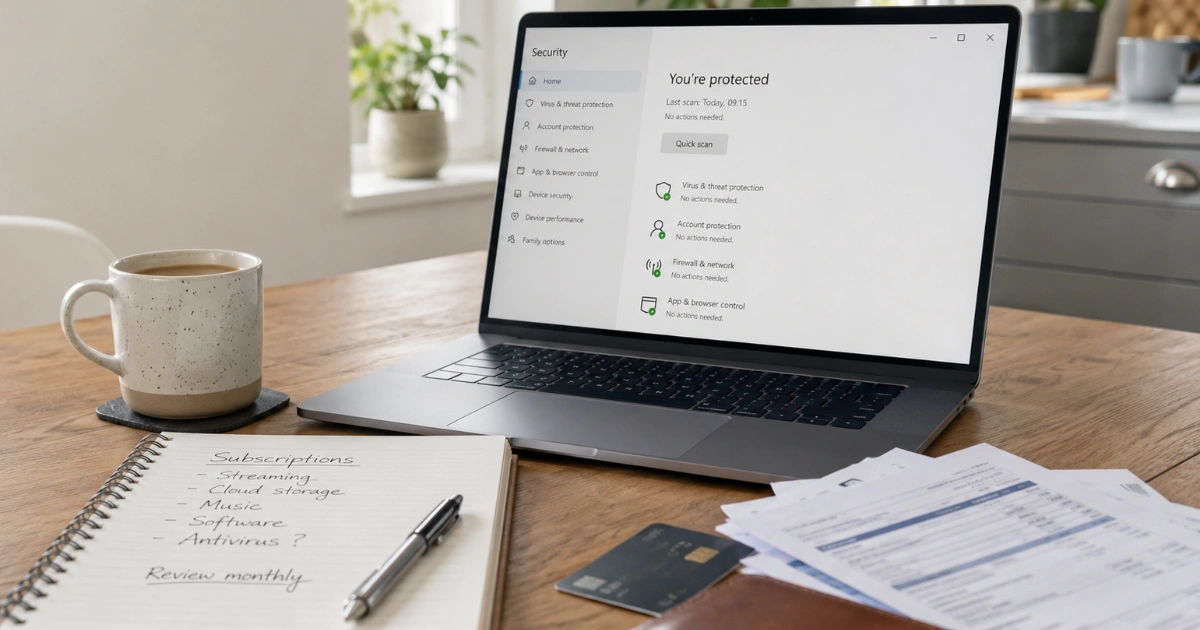
The important thing is not whether a paid product is shouting at you. The important thing is whether Windows Security is active and healthy.
Norton and McAfee are not useless
To be fair, Norton and McAfee do provide real antivirus protection.
Some packages also include extras such as:
- VPN services
- Password managers
- Parental controls
- Identity monitoring
- Dark web alerts
Some people may use those features and value having them all in one package.
That is fine.
But many people are not really using those extras. They are paying mainly because they believe they need the antivirus part.
For a standard home Windows PC, that is often not the case.
If you want a password manager, VPN, parental controls, or identity monitoring, it is better to make that decision deliberately rather than paying for a bundle because the renewal warning scared you into it.
If the bundle includes a VPN, read Are You Paying for a VPN You Don't Need? before keeping the subscription just for that feature.
Paid antivirus can sometimes get in the way
Another thing I see in the field is that large security suites can make a computer feel more complicated than it needs to be.
They may run at startup, add browser extensions, show regular pop-ups, include VPN features that switch themselves on, and make it harder to know which security product is actually in charge.
On older machines, they can slow things down noticeably.
For many people, a clean setup with Windows Security active, Windows kept updated, and sensible browsing habits is simpler, faster and better.
If the whole PC feels cluttered, this related guide may help too: Your PC Isn't Old. It's Just Full of Software You Never Needed.
What to do if you are paying for Norton or McAfee
Step 1: Check whether you are actually paying
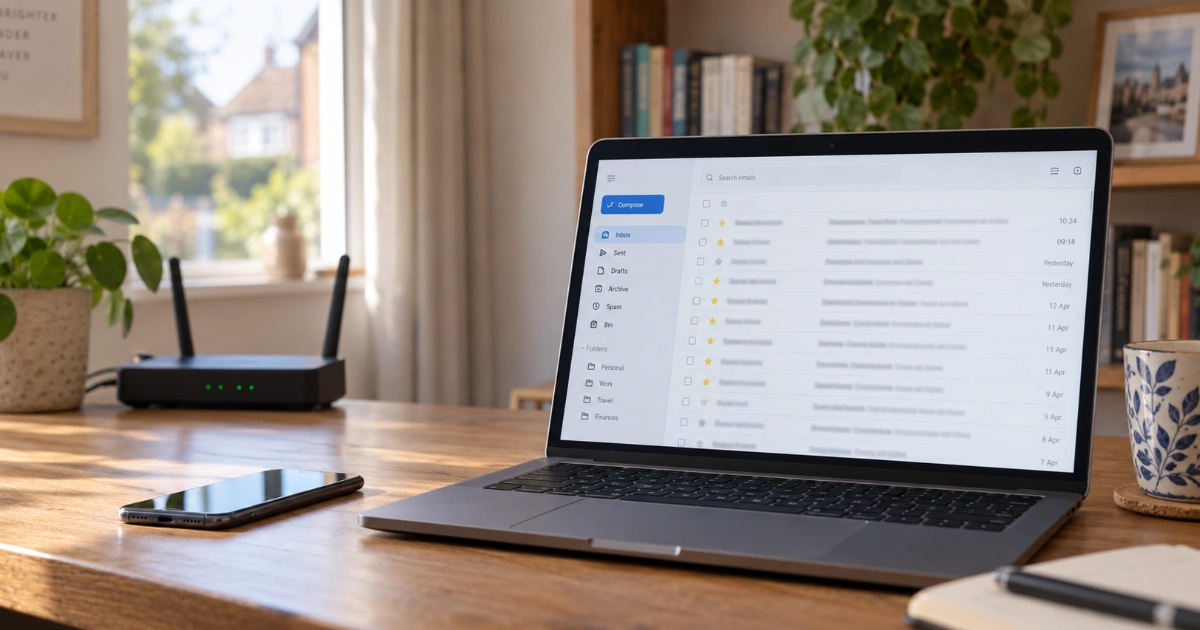
Search your emails for Norton, McAfee, antivirus, security, renewal, subscription, or invoice.
Also check your bank or credit card statements.
Some people have no idea they are still paying until they look.
Step 2: Cancel the subscription first
This bit matters.
Uninstalling Norton or McAfee from your computer does not always cancel the payment. You usually need to log into your Norton or McAfee account and turn off auto-renewal.
If you subscribed through an app store, you may need to cancel through your Apple or Google subscription settings.
Cancel the payment first, then deal with the software.
Step 3: Uninstall the software
Go to:
Settings > Apps > Installed apps
Find Norton or McAfee, and choose uninstall.
After that, restart the computer and check Windows Security. Microsoft Defender should normally switch back on automatically.
Step 4: Use the official removal tool if needed
Sometimes antivirus software does not remove cleanly.
If Windows still thinks Norton or McAfee is installed after you have uninstalled it, you may need the official removal tool from the provider.
Only use the official Norton or McAfee removal tool from their own website. Do not download "removal tools" from random search results.
Important: if you are not confident, do not start deleting security files manually. Check the subscription first, uninstall normally, restart, then confirm Windows Security is active.
Quick summary
| What you might be paying for | Do you need it? |
|---|---|
| Norton or McAfee standard antivirus subscription | Usually not on a normal Windows home PC |
| Microsoft Defender / Windows Security | Yes, and it is already included |
| VPN bundled with antivirus | Only if you actually use it |
| Password manager bundled with antivirus | Maybe, but there are better dedicated options |
| Identity monitoring | Depends what it actually includes and whether you value it |
Not sure what is running on your PC?
If you are not sure what antivirus software is installed, whether Windows Security is working properly, or whether you are paying for something you no longer need, Marple Tech Help can check it for you.
We can look at what is installed, what starts automatically, what subscriptions may be attached, and whether it is safe to remove anything.
The aim is not to sell you another security product.
It is to give you a straight answer.
Get in touch here or give us a call.
Marple Tech Help provides local, friendly technology support across Marple and the SK6 area. We are independent and have no relationship with any antivirus or software provider.
Want a straight answer on what to keep?
I can check what antivirus is installed, whether Windows Security is healthy, and whether any subscriptions or bundled tools are worth keeping.
Independent local help. No upsell to another security product.
I’m based in Marple and cover Stockport, SK6 and the surrounding area.