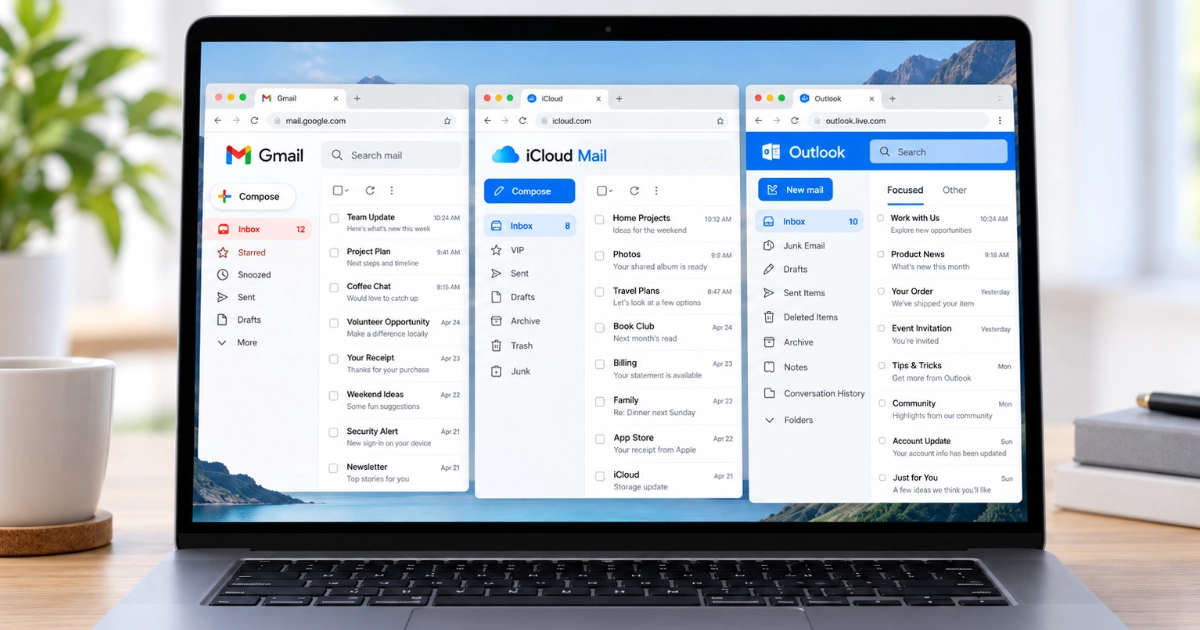
Wi-Fi Heatmap Survey: See Exactly Where Your Signal Drops
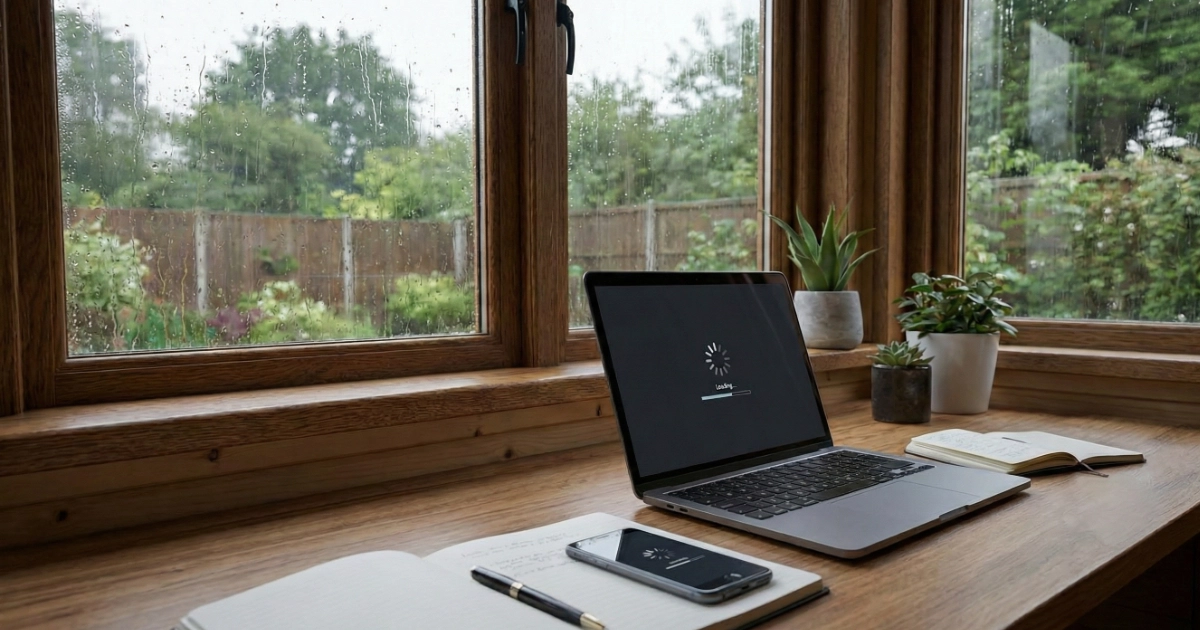
Slow Wi-Fi in certain rooms? Dead zones upstairs? Got a garden office that just won't connect?
Many older homes around Marple and the surrounding areas have thick brick or stone walls that seriously weaken Wi-Fi signals. Guessing where to put boosters or mesh units often leads to wasted money and frustration.
Before you spend anything, try these quick checks.
4 Quick Things to Try First
1. Get your router off the floor
Wi-Fi spreads outward and downward. A shelf or table is far better than the floor.
2. Move it away from metal and water
Radiators, fish tanks, and large metal appliances absorb or reflect signal.
3. The classic reboot
Turn your router off, wait 60 seconds, and turn it back on. This clears temporary faults and reconnects your devices cleanly.
4. Run a quick speed test in the worst spot
Stand where the Wi-Fi is weakest and run a speed test on your phone (try fast.com).
If you're getting under 10 Mbps or the test fails completely, you likely have a coverage problem rather than a broadband issue.
Still Struggling? Stop Guessing and Map Your Network
A Wi-Fi heatmap survey measures the actual signal strength around your home using professional diagnostic software.
We can show you exactly:
- Where your Wi-Fi is strong
- Where it weakens
- Where it drops completely
- Which band (2.4 GHz or 5 GHz) is reaching each area
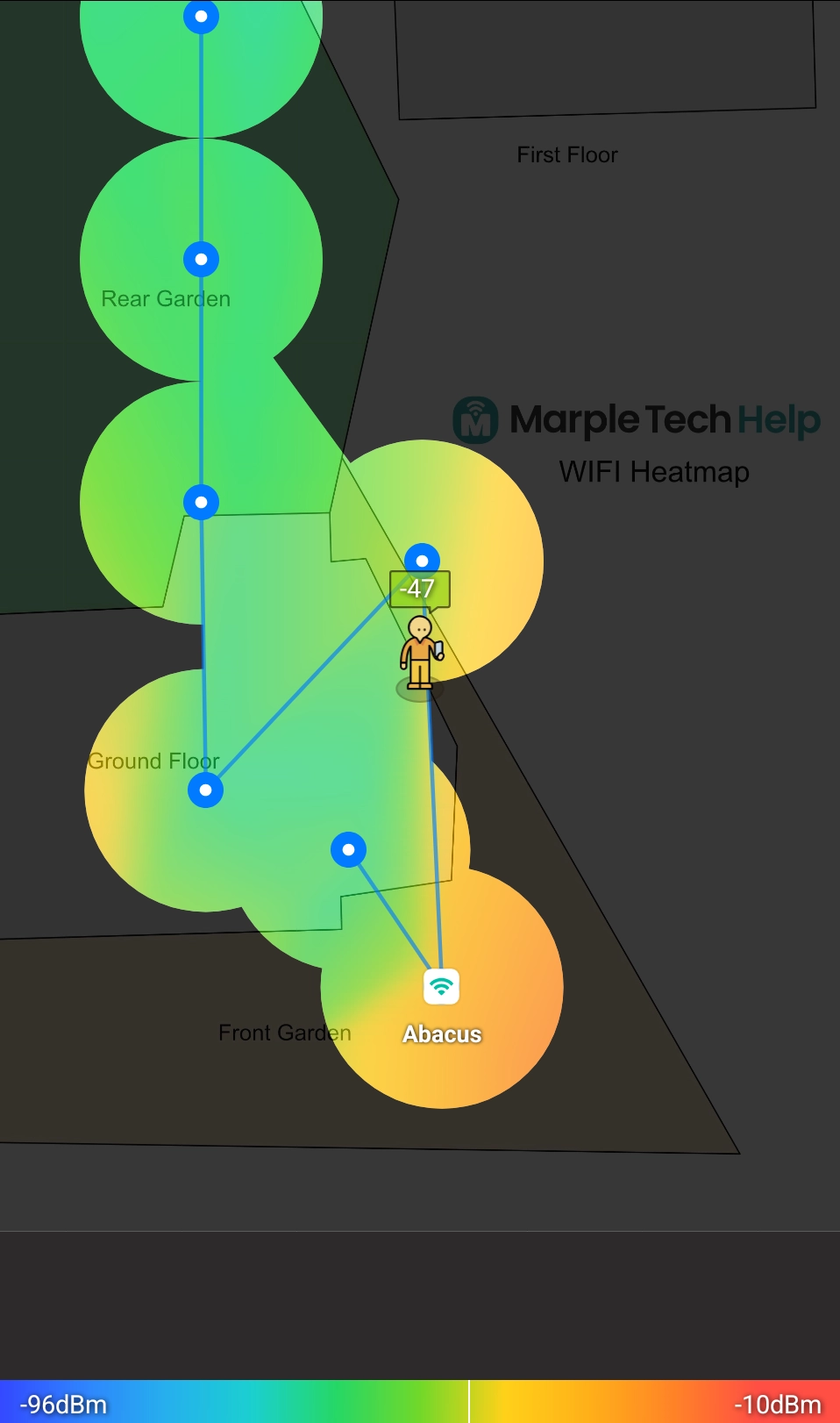
You'll get a visual coverage map and a clear, practical plan to improve it.
What This Is (and What It Isn't)
This is a diagnostic service, not a hard sell for new equipment. In many homes, improvements can be made without buying anything — by:
- Repositioning your existing router
- Optimising mesh node placement
- Adjusting channels and key settings
If new hardware would genuinely help, I'll explain the options in plain English before anything is installed. No guesswork. No unnecessary kit.
Survey vs. Wi-Fi Setup & Advice
| 📡 Wi-Fi Survey | Wi-Fi Setup & Advice | |
|---|---|---|
| Best for | Not sure what's causing the problem | You have kit ready, or need help choosing what to buy |
| Focus | Diagnose & map dead zones | Choosing, installing, positioning and testing equipment |
| Outcome | Evidence & action plan | Better-placed, better-understood Wi-Fi equipment |
| Price | £49 | From £79 |
Ideal For
- Larger homes with patchy coverage
- Garden offices or outbuildings
- Mesh systems that still have dead zones
- Slow Wi-Fi despite paying for fast broadband
- Anyone about to buy new Wi-Fi equipment
What You Get
- Measured signal readings in key areas
- A visual Wi-Fi coverage heatmap
- A clear explanation of problem zones
- A simple, prioritised action plan
Typical visit time: 45–60 minutes
Introductory Price
£49
Wi-Fi survey and recommendations
A clear starting point before buying or installing new kit
This includes the survey and recommendations. If the next step is new mesh, a router change, access points or cabling, I’ll explain the sensible options before you spend money.
Ready to Understand Your Wi-Fi?
If you're tired of unreliable internet and want a clear, evidence-based plan instead of more trial and error — get in touch to book your survey.
No jargon. No pressure. Just honest answers about what's going on with your Wi-Fi.
I’m based in Marple and cover Stockport, SK6 and the surrounding area.