Is Gmail safe? Why you don’t need to panic about the latest hacking headlines
Reports of hackers secretly accessing Gmail accounts have made worrying headlines. But is Gmail really at risk, and would switching to Outlook or another email provider actually make you safer?
If you've seen the latest headlines warning that hackers could secretly read your Gmail messages, you might be wondering whether it's time to abandon your Google account altogether.
After all, your email account probably contains years of personal messages, shopping receipts, financial information and password reset links. The idea of someone reading all that without your knowledge is understandably worrying.
You can keep using Gmail. The reports concern malware on an infected computer. Switching email providers would leave that problem in place.
Already seen a device you don't recognise or messages you didn't send? Go straight to the account recovery steps.
What's behind the headlines?
On 9 November 2026, cybersecurity researchers at Hudson Rock reported on a new claim about Remus Stealer. It's a type of malware known as an information stealer, designed to collect sensitive information from infected computers, including saved passwords and browser login information.
The developer is advertising a feature that supposedly allows criminals to open compromised Gmail inboxes through a dashboard and read private messages, security codes and password reset emails. The developer even claims that access continues after someone changes their Google password or signs out their devices.
Hudson Rock spoke directly to the developer and someone who said they had used the service. That person reported being able to see messages after the browser was closed, sessions were reset and the Google password was changed.
There's an important detail here. Seeing an email that was copied yesterday is different from being able to read one that arrives tomorrow. The researchers couldn't verify that the service could retrieve newly arriving messages after the account holder had changed their password, signed out compromised sessions and removed unwanted app access. You can read Hudson Rock's original investigation.
So, has Gmail actually been hacked?
This investigation found no evidence of a new vulnerability in Gmail itself. The concern centres on malicious software running on an individual's computer.
Think of your online account like a house with a secure front door. Your password is the key, and two-factor authentication provides an additional security check. Once you've signed in, your browser needs a way to remember that you're authorised to be there. Otherwise, you'd have to enter your password every time you opened another email.
That period while you're signed in is called a session. Malware on a computer may be able to misuse the access you already have. Researchers suspect access obtained on an infected device may explain the advertised Gmail feature, although its exact operation hasn't been confirmed.
Would switching to Outlook make me safer?
Although this particular feature is being advertised for Gmail, Microsoft Outlook, Yahoo Mail and other web-based email services also keep you signed in between visits. Even privacy-focused email services can't protect information that malicious software can already read on your computer.
Switching from Gmail to Outlook because of this story is rather like fitting a new front door while the burglar is still inside. The priority is securing your accounts from a trusted device and finding and removing the underlying threat.
Does this affect Macs and mobile phones too?
The Remus malware examined by researchers runs on Windows. This particular infection isn't a reason for Mac, iPhone or Android users to assume their devices have suddenly become vulnerable to Remus.
Your inbox is shared across devices, though. If someone gained access while you were using a Windows PC, opening Gmail on your phone afterwards doesn't end their access. A phone you trust is a good place to start securing the account.
But I have two-factor authentication. Doesn't that protect me?
Two-factor authentication (2FA) adds another layer of protection beyond your password, often requiring confirmation on your phone. Passkeys also protect against phishing because they only work with the service they were created for.
Both protect the process of signing in. If malware obtains access to an existing session after you've successfully logged in, there may be no new sign-in to approve. I still strongly recommend using 2FA or passkeys wherever possible.
Five sensible ways to protect yourself
1. Keep your computer and software updated
Install security updates for Windows, macOS, your web browser and other applications. These updates often fix vulnerabilities that criminals might otherwise exploit. If you use Windows 11, here's how to check whether your version still receives security updates.
2. Be careful what you download
Fake software websites can look remarkably convincing, even appearing prominently in search results. Check Point Research traced one such download route to Remus Stealer.
Whenever possible, download applications directly from their official developers or trusted app stores. Be particularly cautious with unexpected attachments, unofficial installers and websites offering expensive software for free.
3. Use the security protection already built into your computer
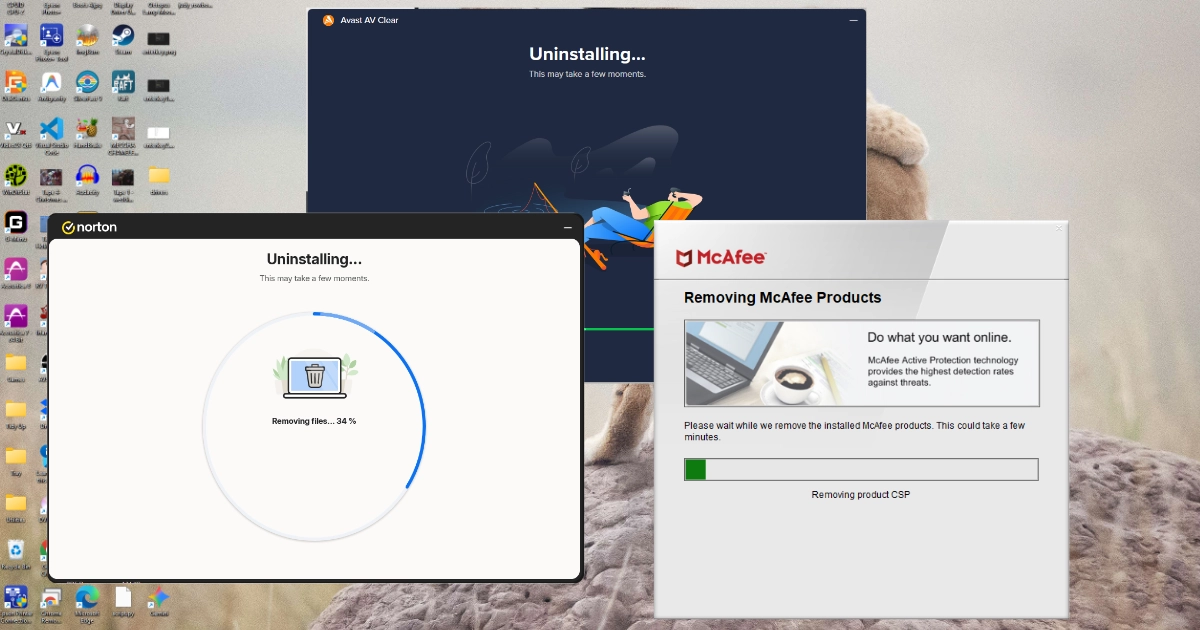
For most home Windows users, Microsoft Defender provides capable protection without requiring an additional paid antivirus subscription. Keep it switched on and updated. My guide to checking Microsoft Defender in Windows Security shows you where to look.
4. Enable two-factor authentication or passkeys
Make sure your important accounts have an additional layer of sign-in protection. Where supported, passkeys are an excellent option. Use a unique password for each account that needs one, preferably managed by a password manager. Never share verification codes with someone who contacts you unexpectedly.
5. Check your account security occasionally
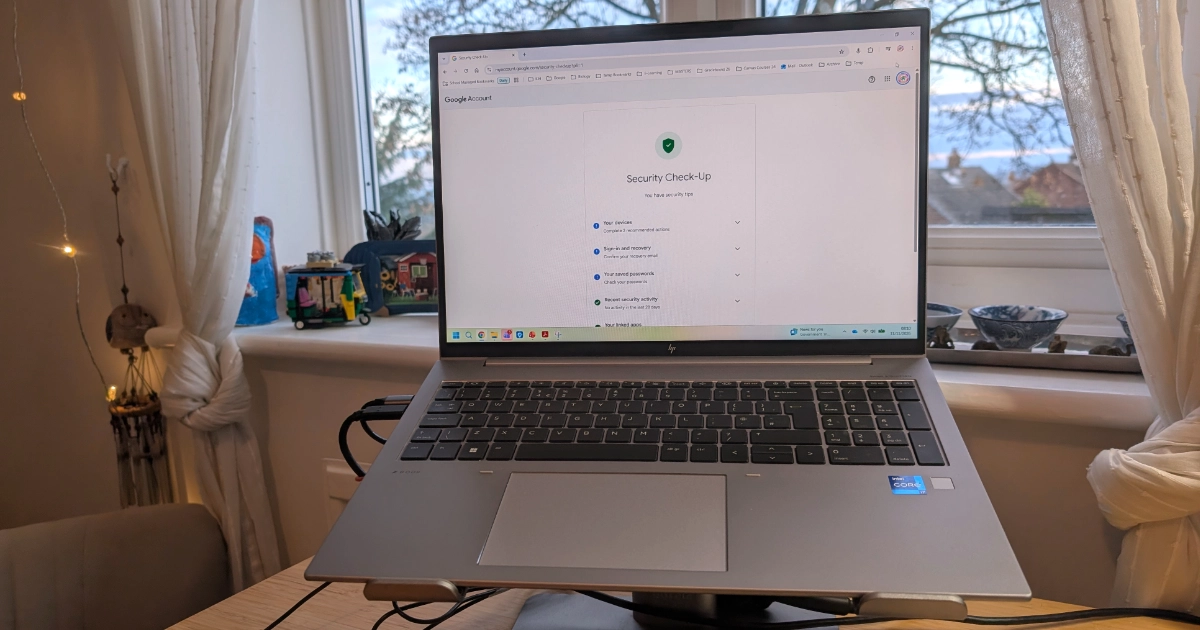
Look for unfamiliar devices, unexpected sign-ins and applications you don't recognise. If a security alert arrives by email, open your account settings directly to check it.
- For Gmail, open Google Security Checkup.
- For Outlook, open Microsoft Account Security.
What if I think someone has accessed my emails?
If you've discovered unfamiliar account activity or have reason to believe your computer is infected, act promptly. Malware still running on that computer could capture your new login information after you've changed your password.
- Stop using the suspected computer for sensitive activities. If you suspect an active infection, disconnect it from the internet and arrange to have it checked.
- Secure your email from another trusted device. Change the compromised password promptly from a phone or computer you know is safe. If you've been locked out, follow Google's compromised account recovery guide. Wait until the suspect computer has been checked and cleaned before signing in on it again.
- Review active sessions and connected apps. Sign out the suspected computer and any devices or sessions you don't recognise. Remove access for unfamiliar third-party apps.
- Check your recovery information. Make sure the recovery email address and phone number are yours. Review your sign-in methods for changes you didn't make.
- Check your email settings. Look for rules that forward, hide or delete messages, and remove any unfamiliar delegates (people allowed to read your mailbox).
Think about which other accounts use that inbox for password resets. Check them for unexpected changes, starting with any service that sent a reset email you didn't request. Change any passwords you've reused.
My advice to Gmail users
I do get frustrated when alarming headlines leave people feeling frightened about technology without giving them a clear understanding of the actual risk. If the headline is the only thing that's worried you, there's no reason to move years of email to a new provider. A few minutes spent checking your devices and recovery details is a better use of your time.
One of the reasons I started Marple Tech Help was to make technology a little less frustrating and intimidating. If you're worried about something you've seen in your inbox, I offer help with email account recovery in Marple and the surrounding area. You can call me on 0161 515 1238 to explain what's happening.
Worried about your computer or email security?
If you think your computer might be infected, I can check it for malicious software, remove infections where possible and help you secure your accounts.
I’m based in Marple and cover Stockport, SK6 and the surrounding area.