Virgin Media Email Is Moving to Junara: What to Do, and Why It May Be Time to Leave ISP Email
Disclaimer: Marple Tech Help is independent and isn't affiliated with Virgin Media or Junara. This guide is here to help you understand the changes and navigate them safely.
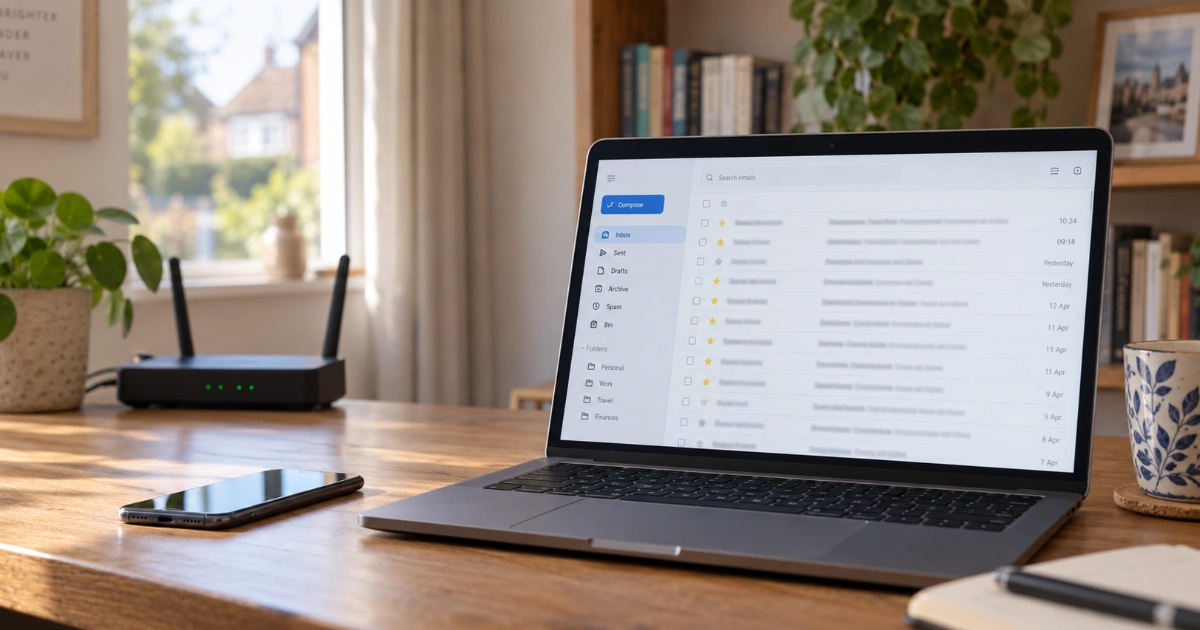
If you use an @ntlworld.com, @blueyonder.co.uk, @virgin.net or @virginmedia.com address, Virgin Media is changing how your email works. Here's what is happening and what your options are.
It's also a good moment to ask a bigger question: should your email address be tied to your broadband company at all?
In a hurry?
- Virgin Media is handing its email service to a company called Junara.
- Look for the message from Virgin Media and note your own deadline. You have at least 45 days from that first message.
- Already missed your deadline? Your mailbox may be suspended rather than deleted. There are a further 120 days to reactivate it. Here's what to do next.
- You can move to Junara and keep your address, move your email elsewhere, or close the account. Check your own offer for any free period and the ongoing cost.
- Virgin Media's emails about this won't contain sign-up links. If one does, treat it as a scam.
- What is happening to Virgin Media email?
- How long have I got?
- Already missed your deadline or lost access?
- Will keeping my Virgin Media address cost money?
- So what's wrong with ISP email?
- A better approach
- Should I move to Junara or change address completely?
- How I would move away from an old ISP email address
- Don't rely on forwarding forever
- Watch out for Virgin Media email scams
- Your Virgin Media email checklist
- One final thought
Details checked against Virgin Media and Junara's own information on 26 October 2026. Updated with advice on suspended mailboxes and temporary access.
What is happening to Virgin Media email?
Virgin Media stopped issuing new email accounts in 2022, but existing accounts have carried on working. That is now changing.
In September 2026, Virgin Media announced it is handing its remaining email service over to Junara, a specialist email provider owned by the email company Atmail. This affects all Virgin Media addresses, including those ending @ntlworld.com, @blueyonder.co.uk, @virgin.net and @virginmedia.com.
The addresses aren't being switched off overnight. You'll have three choices:
- Move your email to Junara and keep your address.
- Download your email and move to another provider.
- Close the account.
Got more than one Virgin Media address?
There's an important distinction here.
Separate mailboxes need to be dealt with individually, and Junara says each one is administered and billed separately. If you sign in to an address on its own and it has its own inbox, it's a separate mailbox.
If an address is simply an alias, meaning its mail arrives in the same inbox as your main address without a separate sign-in, it should move across with the main mailbox without a separate sign-up or charge.
How long have I got?
Virgin Media is contacting customers in phases, so your deadline may be different from your neighbour's. Check the date in your own message from Virgin Media.
You have at least 45 days from the date Virgin Media sends its first email to act. Use the deadline in your own notice, rather than the date you happened to read it.
If you don't sign up by that deadline, your mailbox is suspended, not immediately deleted. You then have a further 120 days after your sign-up deadline to sign up with Junara and reactivate it.
Once that recovery period ends, the mailbox and its contents are permanently deleted and can't be recovered. The 120 days are a safety net, not an extension of normal email service.
| When | What happens |
|---|---|
| Your first message | Virgin Media tells you about the change and gives you a deadline. |
| At least 45 days later | Your deadline to move to Junara, move elsewhere or close the account. |
| The next 120 days | The mailbox is suspended. Sign up with Junara to reactivate it, or contact Virgin Media if you need temporary access to save your emails. |
| After that | The account and everything in it is permanently deleted. |
So there's no need to panic, but this is definitely not something to leave in the pile.
Already missed your deadline or lost access?
A client recently missed her sign-up deadline and lost access to her email. I suggested contacting Virgin Media directly, and she was able to get access back. If this happens to you, don't assume everything has already been deleted.
Virgin Media says a suspended mailbox won't open through its webmail service. Outlook, Apple Mail or another email app may show errors when sending or receiving. That doesn't necessarily mean the app needs repairing: first check whether you've missed your migration deadline.
Two routes, depending on what you need
- To keep your address: sign up with Junara within 120 days of your deadline to reactivate the mailbox. Go through Virgin Media's official help page or type junara.com into your browser yourself.
- To retrieve emails without joining Junara: call Virgin Media on 0345 454 1111 and ask for your mailbox to be temporarily unsuspended so you can save important emails and attachments.
That temporary access isn't a promise that the old service will carry on indefinitely. Ask Virgin Media how long you'll have, save what you need promptly, and update any important accounts that still use the old address. Don't wait until the end of the recovery period.
If you can't complete the sign-up or you're unsure why access has stopped, contact Virgin Media directly. Its email service change guidance explains both recovery routes.
Will keeping my Virgin Media address cost money?
Keeping the address with Junara means taking out a subscription. Check your own Virgin Media notice and the offer shown when you sign up for any introductory free period, transfer fee and the price you'll pay afterwards. Don't assume another customer's offer applies to you.
Junara's pricing page asks you to enter your email address to see the plans available to you. Check both the monthly and annual options, and whether the plan has enough storage for your existing mailbox.
After any free period, you'll need a paid Junara subscription to keep using the address. Signing up means giving Junara a payment method, and Junara says saved payment details are used to renew your subscription automatically.
Before you sign up, check what happens at the end of your free period and how to cancel if you decide not to continue.
What you'll need to sign up with Junara
- Your Virgin Media email address and your contact details
- A debit or credit card, or PayPal. Junara says it doesn't take direct debits, cheques, bank transfers or payments over the phone.
- A mobile phone to receive a security code by text
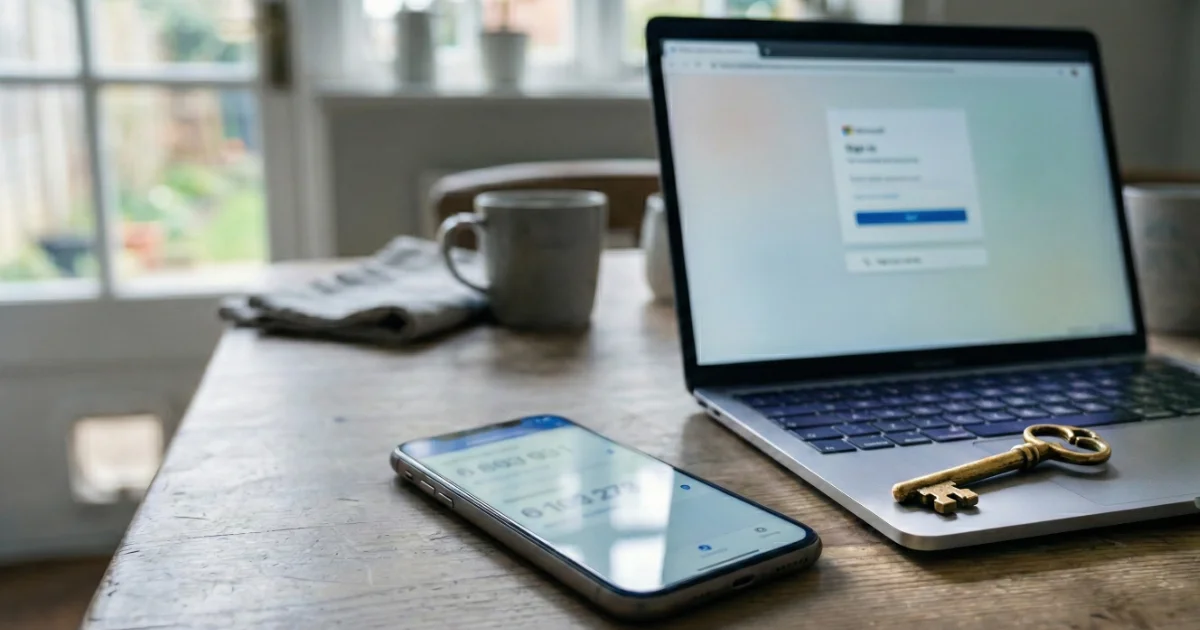
- An authenticator app, such as Microsoft Authenticator or Google Authenticator
That last one catches people out. If you've never used an authenticator app, it's worth getting some help setting it up rather than guessing, because it becomes part of how you get into your email from then on.
So what's wrong with ISP email?
There's nothing inherently bad about the email service itself. The problem is who controls the address.
For many people, an email address is much more than somewhere messages arrive. It's the address your bank, HMRC, the NHS, Amazon, Apple, Microsoft, your energy supplier and dozens of other organisations have on file.
It's usually where password reset links and security warnings are sent too. It has become a key part of your digital identity.
Imagine you have used yourname@ntlworld.com since the early 2000s. Then you find a broadband deal elsewhere that would save you £20 a month.
Suddenly switching isn't so simple, because your email address is tied to your old provider.
Ofcom warns that when you switch broadband, you might have to pay to keep using the email address your old provider gave you. Some providers let you keep it free, some charge, and some hand the service to another company. Ofcom's suggestion is to move to a free email account instead.
Virgin Media's changes highlight another issue: you don't have to leave your provider for the arrangement to change.
Plenty of Virgin Media customers are happy with their broadband and have no plans to leave. Virgin Media has still decided it no longer wants to run an email service.
That's entirely Virgin Media's decision to make. But it shows why I don't think your broadband supplier should also be the custodian of your permanent email identity.
If you're weighing up a broadband switch anyway, my guides to whether you're paying too much for broadband and choosing a broadband provider in Marple cover the rest of that decision.
A better approach
For most people, I recommend an email address that is independent of whoever provides your broadband.
A Gmail or Outlook.com address isn't affected if you move from Virgin Media to BT, Sky, Vodafone or anyone else. You can change internet provider as often as you like and keep the same address.
There are paid independent email services too, and more technically minded users might choose email on their own domain name.
The real distinction isn't free versus paid. It's independent versus tied to another service.
Your broadband connection gets you onto the internet. Your email address should travel with you.
Should I move to Junara or change address completely?
There isn't one right answer.
After 20 years, your address may be registered with hundreds of people and services. If so, paying to keep it may well be worth it for convenience.
If you do move to Junara, it says it will transfer your address, emails, contacts and tasks. You can carry on using webmail, which gets an updated look, and email apps such as Outlook and Apple Mail should carry on working.
Junara says existing forwarding settings will transfer, although Virgin Media's email-security guidance says forwarding won't work after the move. If you rely on automatic forwarding, check the settings after migration and send a test email from another account to make sure it reaches the intended inbox.
One exception: if your computer uses an older setup called POP, some of your emails may only be stored on that computer, and Junara says those may not transfer. Back them up before you do anything else.
Moving to Junara also buys you time.
But if you're going to deal with this anyway, it's an excellent opportunity to set up an independent address and gradually move away from the old one.
You don't need to do it all in a weekend. In fact, I wouldn't recommend trying.
How I would move away from an old ISP email address
The safest approach is a gradual one:
- Create your new independent email account. Choose an address you'll be happy with for many years. Gmail and Outlook.com are sensible choices for most people. If your old mailbox is very large, check the new account's free storage allowance first, as years of emails and attachments may not fit.
- Secure it properly. Use a strong, unique password and turn on two-step verification. Check that your recovery phone number and recovery email address are correct. My guide to why two-factor authentication matters for email explains how.
- Update your important accounts first. Start with anything that would cause a
real problem if you lost access:
- banks and other financial providers
- government and NHS-related accounts
- Apple, Google and Microsoft accounts
- utilities and insurers
- your Virgin Media account sign-in (Virgin Media O2 ID), if it uses the address you're giving up
- Work through everyday accounts gradually. Shopping sites, streaming services, social media, clubs and newsletters can follow.
- Tell friends, family and regular contacts. People are remarkably good at using an address you stopped using five years ago.
- Keep the old mailbox running during the transition. Anything still arriving there will remind you of accounts you forgot to update.
- Save any old email you want to keep. Download or transfer important messages, attachments, family photos and documents rather than leaving them in a mailbox you may eventually close. If your computer uses POP, remember that some emails may be stored only on that computer, so make sure those are backed up too.
- Stop using the old address only when you're confident nothing important depends on it.
Don't rely on forwarding forever
Forwarding is very useful while you change addresses.
What I wouldn't do is set up a new address, forward the old one to it and consider the job done. That leaves exactly the same dependency in place, and the forwarding stops the moment the old mailbox closes.
The important step is changing the address your bank, Amazon, Microsoft and everyone else actually has on file.
Forwarding should be a bridge between addresses, not a permanent solution.
Watch out for Virgin Media email scams
This change is a gift to scammers.
Picture a message warning that your email account is about to be deleted unless you click a link straight away.
Thousands of Virgin Media customers are now genuinely expecting a message saying their email is changing and they need to act. That makes convincing fakes much easier to write.
One detail is especially useful: Virgin Media says its emails about this change will not contain clickable sign-up links.
If a message about your Virgin Media email has a "sign up here" or "keep my account" link, treat it with great suspicion.
Junara has also warned about scammers pretending to be Junara. It says it won't take payments over the phone, and it asks customers not to pay through links in emails.
So if a message says your account is about to close and asks you to click a link or enter your password or card details, don't let the urgency rush you.
Go to the Virgin Media website yourself, by typing the address or using a bookmark, and check from there.
Already clicked or entered your details?
Change your email password straight away and contact your bank if you entered card details. Scam First Aid can help you work through the next steps in the right order.
Your Virgin Media email checklist
Print this and keep it by the computer while you work through it.
Virgin Media Email Checklist
Straight away
- Virgin Media's message found and my deadline written down: ____________
- If already suspended: contacted Virgin Media for temporary access, or signed up with Junara within the 120-day recovery period
- Worked out which addresses are separate mailboxes and which are aliases
- Checked whether my computer stores email using POP, and backed it up
- Decided: move to Junara, move elsewhere, or close the account
If I'm moving to Junara
- Went to the website myself rather than clicking a link in an email
- Card or PayPal, mobile phone and authenticator app ready
- Noted when my free period ends and how to cancel
- After migration: checked any automatic forwarding and tested that messages arrive
If I'm moving to a new address
- New account created, with two-step verification and recovery details set
- Old emails, contacts and attachments saved
- Bank, government, NHS, Apple, Google and Microsoft accounts updated
- Utilities and insurers updated
- Virgin Media account sign-in updated if it uses the email address I'm giving up
- Friends, family and regular contacts told
- Old mailbox kept open until nothing important arrives there
Remember: Virgin Media's emails about this change contain no sign-up links. Never give a password or card details because of an email or phone call.
One final thought
ISP email addresses made sense when home internet first took off. Your provider gave you a connection, a modem, some web space and an email address, and for many people that address became part of everyday life.
Things have changed.
We switch broadband more readily, and our inboxes hold far more important information. An email address is also often the key to getting back into almost everything else we do online.
That makes independence much more valuable.
If you've used an ntlworld, blueyonder, Virgin Media or other broadband-provider address for years, there's no need to abandon it tomorrow.
But it's worth asking yourself one simple question:
If I changed broadband provider, or my provider changed its email service again, would my email address come with me?
If the answer is no, now is a good time to start reducing that dependency.
Official information
- Virgin Media: email service changes, deadlines and temporary mailbox access
- Junara: Virgin Media customer FAQs
- Junara: check the plans available for your address
Need some help moving your email?
Changing an email address you've used for years can look deceptively simple. Creating the new mailbox is usually the easy bit. The important part is everything around it: keeping your old emails and contacts, setting up your computer, phone and tablet, updating your important accounts, and making sure you don't lock yourself out of anything along the way.
Email Move covers both routes. Keep your address, £59: we check your Virgin Media message is genuine, sign up with Junara together, and get your devices reconnected. Move to a new address, £89: a new independent account, your old emails and contacts copied across, your devices set up, and a list of accounts to update, with a check-in a few weeks later.
Two of you, each with your own mailbox? The second is £39 at the same visit.
If you've had a message about the Virgin Media changes and aren't sure it's genuine, don't enter any passwords or payment details. Check it with Scam First Aid, or get in touch and I'll take a look.
I’m based in Marple and cover Stockport, SK6 and the surrounding area.