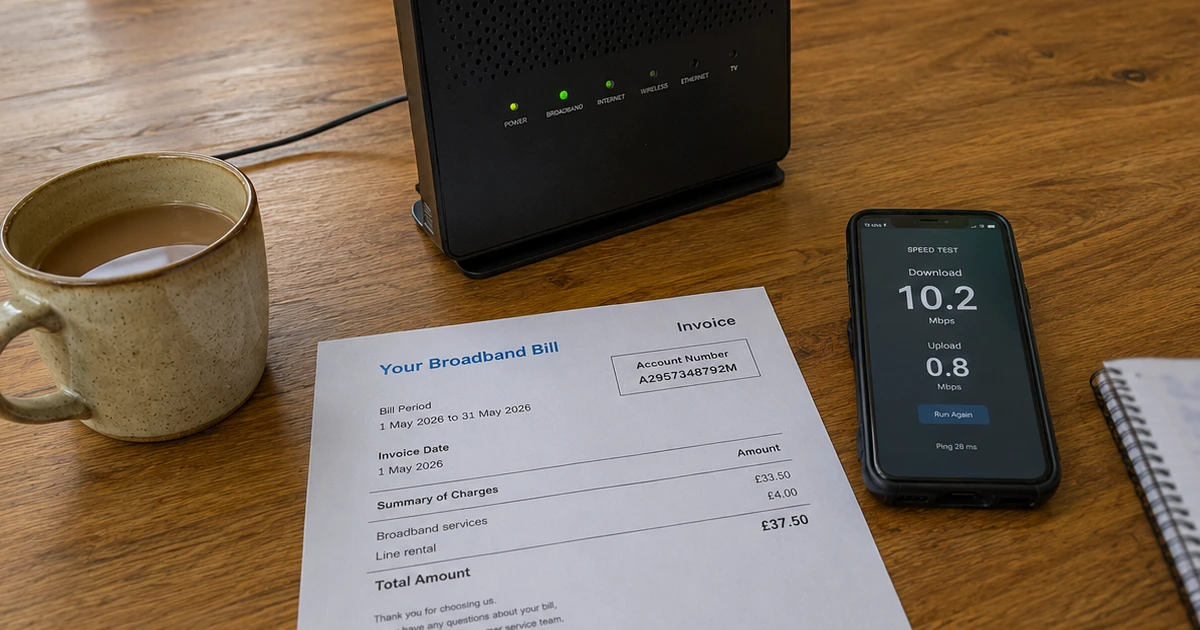
The Landline Switch-Off: What to Check Before January 2027
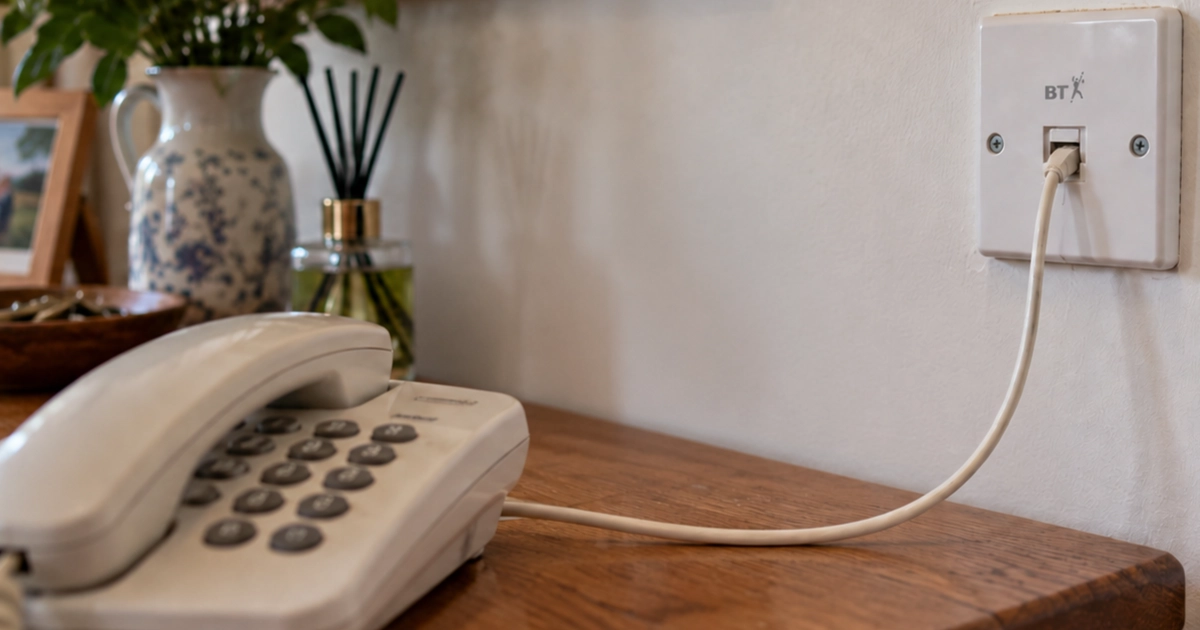
If you still use a home phone, there's a deadline coming. The UK's old analogue telephone network is due to be switched off on 31 January 2027, and traditional landlines are being replaced by digital ones that usually work through your broadband.
For most households the change is fairly painless. You can normally keep your number, and often your existing handset too. But if something else relies on your phone line, such as a care alarm or pendant, or if your landline is your lifeline because you don't have a mobile or can't get a signal at home, there are a few things worth checking now rather than in January.
And if you have an older parent, relative or neighbour who still relies on their home phone, it's worth making sure they know about it too.
In a hurry?
- The old phone network switches off on 31 January 2027.
- Phone plugged into your broadband router? You've probably already switched.
- Care alarm, pendant or burglar alarm on the line? Ask the company that supplies it whether it will work on a digital line.
- Power cut or broadband fault? A digital landline stops working, including for 999 calls, unless you have a backup.
- Rely on your landline and have no working mobile or reliable signal? Tell your provider. They must offer a free backup option for emergency calls.
- Unexpected caller saying your line will be cut off today? Hang up.
- You may already have switched
- Your landline isn't going anywhere
- What else is connected to your phone line?
- What happens in a power cut or broadband fault?
- What if my phone is nowhere near my router?
- Don't ignore the letters
- Watch out for switch-off scams
- Helping an older relative? Five things to check
- Who should I ask?
- Where Marple Tech Help fits in
You may already have switched
This change has been happening quietly for several years. BT calls its replacement service Digital Voice, and other providers have their own versions. In September 2026, BT said more than 95% of its customers had already moved to a digital landline, so there's a fair chance you're using one without having noticed.
With a typical digital landline, your phone plugs into your broadband router rather than the phone socket in the wall. If that's how yours is connected, you've probably already switched.
If you're not sure, don't try to work it out from the age of the phone. Ask your provider whether your line has been moved yet. That applies whether you're with BT, Sky, TalkTalk, Virgin Media or anyone else: the process is similar, but the letters and the names for things will differ.
Your landline isn't going anywhere
The switch-off doesn't mean giving up your home phone. You can keep your number and a phone in the same spot it's always been. What's changing is the technology carrying the call.
BT has said more than 99% of home phones work with Digital Voice, and most customers keep their existing number.
If you have a landline but no broadband, don't assume you need to buy a full broadband package just to keep your phone. Openreach says that if you have a phone line but no broadband, your service provider will help you find the most suitable digital option for your needs. Ask what that option costs before agreeing to anything, and if you're reviewing your bills anyway, my guide to paying too much for broadband may help.
What else is connected to your phone line?
This is the part I would pay most attention to. An old analogue line can be doing more than carrying your phone calls. It might also be used by:
- care alarms and emergency pendants
- health monitoring equipment
- burglar and security alarms
- other older equipment designed to dial out over a phone line
Some of this will carry on working without any fuss. Some may need testing, setting up again or replacing before the old service goes. Openreach's advice is to check with your equipment provider that it will work with a digital phone line before you switch, and BT says the same about telecare and burglar alarms.
If you have a care alarm or pendant
Don't assume it will work just because your phone does. Contact the organisation that supplied or maintains the alarm and ask whether your particular equipment will work properly once your line is digital. Then tell your phone provider that you use telecare, so they know before they move you.
The alarm company is the right organisation to confirm its equipment is safe to rely on. A computer technician, friend or relative shouldn't make that call just because everything appears to be plugged in, and that includes me.
What happens in a power cut or broadband fault?
This is the biggest practical difference between the old phone service and the new one.
A traditional corded phone could often keep working in a power cut, because it drew its power from the phone line itself. There's a wrinkle that surprises people, though: cordless phones already need mains electricity. If the power goes off, a cordless handset and its base station will normally stop working, even on an old-style line.
A digital landline depends on your router, which needs power, and on the broadband connection itself. BT is clear that if there's a power cut or your broadband stops working, you won't be able to make calls using Digital Voice, including calls to 999.
For most people, a charged mobile phone covers this. For some people, it doesn't.
If you rely on your landline
Tell your provider if any of these apply to you:
- you don't have a mobile phone
- you can't easily use one
- you have little or no mobile signal at home
- you rely on the landline to call for help
- you use telecare or similar equipment
Under Ofcom's rules, if you depend on your landline and don't have a working mobile or a reliable signal, your provider must offer you a free backup so you can still reach the emergency services during a power cut. It has to last at least an hour, and some providers offer longer.
BT offers backup options for eligible customers, such as a battery unit or a backup handset. If you're with BT and live somewhere with no mobile signal, it asks you to call 0330 1234 150.
The time to sort this out is before the power goes off, not during.
What if my phone is nowhere near my router?
Don't start moving furniture or buying extension cables yet. Plenty of homes have collected phone extensions over the decades, so it's completely normal to have the router in one room and the main phone in another.
Providers handle this in different ways. BT, for example, offers a free adapter for phones you'd rather not plug straight into the hub. Explain your current setup to your provider and ask how your phone will connect after the switch. There's little point rewiring anything until you know what they're sending you.
Don't ignore the letters
It's sensible to be wary of unexpected letters, emails and calls about your phone line. But genuine providers really are trying to reach the customers who haven't switched yet, and some are running out of patience.
In September 2026, BT revealed it had trialled briefly pausing broadband for a small group of customers who hadn't responded to multiple letters, emails, texts and calls over the previous two years. Their landline was kept running and they were warned beforehand. More than 80% of them then got in touch, and BT is now expanding the trial to customers who still haven't engaged.
So if you've had several genuine-looking messages from your provider about your landline, it's worth dealing with them rather than adding them to the drawer.
Watch out for switch-off scams
Unfortunately, the genuine switchover hands scammers a very believable story. Someone rings and says:
"I'm calling from BT because your telephone line needs upgrading."
That sounds plausible, because a nationwide upgrade really is happening. It doesn't mean the caller is genuine. Be especially suspicious if an unexpected caller asks for:
- bank or card details
- passwords or security codes
- remote access to your computer
- payment to stop your phone being cut off
- you to act right now while they stay on the line
There's a useful clue in BT's own process. It says that once you receive its first letter, your switch date is usually around four weeks away. A caller insisting you must pay them, or let them onto your computer, today or lose your phone doesn't fit that at all.
If you're unsure, hang up. Find the company's number yourself, from a bill, its app or its official website, and call it directly. Don't ring a number the caller gives you, and never let anyone onto your computer because they say they need it to upgrade your phone line.
If someone has already talked you into giving them remote access, bank details or anything else sensitive, treat it as a scam and act quickly. Scam First Aid takes you through what to do next, step by step.
Helping an older relative? Five things to check
If you have a parent, grandparent or neighbour who relies on their home phone, it's worth a few minutes next time you visit. There's a printable version of this list just below.
1. Where does their phone plug in?
If it connects to their broadband router, they may already have switched. If you're not sure, ask their provider.
2. Is anything else connected to the line?
Look for care alarms, pendants, alarm panels or other specialist equipment. Don't unplug anything to experiment. Speak to the company that supplies or maintains it.
3. Have they had letters about the switch?
Genuine letters often end up in a pile because they looked like junk mail or didn't make much sense. Openreach's advice is simple: if you know someone who may need extra help, check whether they've seen the messages from their provider and know what to do next.
4. Could they call for help in a power cut?
Do they have a charged mobile? More to the point, does it actually get a usable signal inside the house? If not, their provider needs to know.
5. Does their provider know about their needs?
If they rely on the landline, use telecare, have poor mobile coverage or need help setting up new equipment, tell the provider. That's what unlocks the extra support.
Landline Switch-Off Checklist
The phone line
- Phone plugs into: the wall socket / the broadband router (circle one)
- Phone provider: ______________ Their number: ______________
- Letters about the switch found and read
- Asked the provider whether the line has already moved
Anything else on the line
- Care alarm, pendant or burglar alarm connected: yes / no
- Alarm company: ______________ Their number: ______________
- Alarm company asked whether it works on a digital line
- Phone provider told that telecare is in use
If the power goes off
- Mobile phone charged, and getting a usable signal indoors
- Provider told if there's no mobile or no signal at home
- Free backup option arranged, if needed
Remember: genuine providers write first and give notice. Nobody legitimate needs a payment, or access to your computer, today to keep your phone working.
Who should I ask?
In most cases you don't need to pay anyone to carry out the switch itself. Who to ask depends on the question:
| Your question | Who to ask |
|---|---|
| When is my line moving, and what will I need? | Your phone provider |
| What backup can I have for power cuts? | Your phone provider |
| Will my care alarm, pendant or burglar alarm still work? | The company that supplies or maintains it |
| What is this letter asking me to do, and how is my phone set up now? | Me, if you'd like a hand making sense of it |
Where Marple Tech Help fits in
There's a lot of unfamiliar language involved, and I know some people will open a letter about digital landlines, hubs and adapters and simply wonder what they're meant to do with it.
I'm happy to help you make sense of what you've got and what you've been told. That might mean working out how your phone is connected now, reading through a letter from your provider with you, or working out which company to call and what to ask them.
What I won't do is pretend to be a telecoms or telecare engineer. Where the answer has to come from your phone provider or your alarm company, that's where I'll point you.
Most households will barely notice this change. The people I most want it to reach are the ones who really rely on their landline, so they find out how the new one behaves now rather than in the middle of a power cut.
Dates, figures and advice checked against BT, Openreach and Ofcom guidance on 3 October 2026.
Not sure what your letter is asking you to do?
If you've had a letter about the switch and aren't sure what it means, or you'd like someone to look at how your phone, router and extensions are connected, a Quick Fix visit is £49.
I'll explain what you've got, help you understand what your provider is planning, and make sure you know who to call about anything I can't answer, such as a care alarm.
Helping a parent or relative locally? I'm happy to visit them, and you're welcome to be there or on the phone.
I’m based in Marple and cover Stockport, SK6 and the surrounding area.