Your PC Isn’t Old. It’s Just Full of Software You Never Needed

One of the most common reasons I am called out to a “slow computer” is not age, physical damage, or even viruses. It is clutter.
Perfectly good PCs, often only a few years old, are quietly slowed down by software that was never really needed. Much of it arrived pre-installed. Some was added “just in case.” Some has been renewed year after year without anyone remembering why.
The result is a machine that feels tired, noisy, and frustrating, even though the hardware itself is absolutely fine.
What Is “Bloatware” (In Plain English)?
“Bloatware” is a catch-all term for software that:
- Runs constantly in the background.
- Slows down startup and everyday use.
- Pops up with urgent-sounding warnings or reminders.
- Charges a yearly subscription for features you already have for free.
Think of it like cupboards filled with old appliances that are still plugged in. They draw power, take up space, and get in the way, even though you have not used them in years.
If you're unsure what's safe to keep, our Slow Computer Rescue service can handle the sorting for you.
The Biggest Myth: “More Protection Means a Safer PC”
This is where most people get caught out. Many PCs end up running two or three security tools at once, alongside “PC cleaners” and performance monitors. More layers do not mean more safety.
Modern Windows systems already include solid built-in protection. Adding extra layers often causes:
- Conflicting software: Two antivirus programs can end up fighting each other, which slows the PC dramatically.
- High resource usage: Your computer spends its energy constantly scanning instead of opening emails or browsing the web.
- Subscription traps: People end up paying for reassurance rather than actual protection.
For most home users, meaningful security comes from good habits and updates, not expensive software subscriptions. If you're dealing with scary pop-ups or fake virus warnings, our Virus & Scam Clean-Up service can help.
The Usual Suspects I See Every Week
These are not scams, but they are far more aggressive than most home users need:
- Pre-installed McAfee or Norton trials that never fully go away.
- “PC optimisers” and driver tools that always find “urgent” problems.
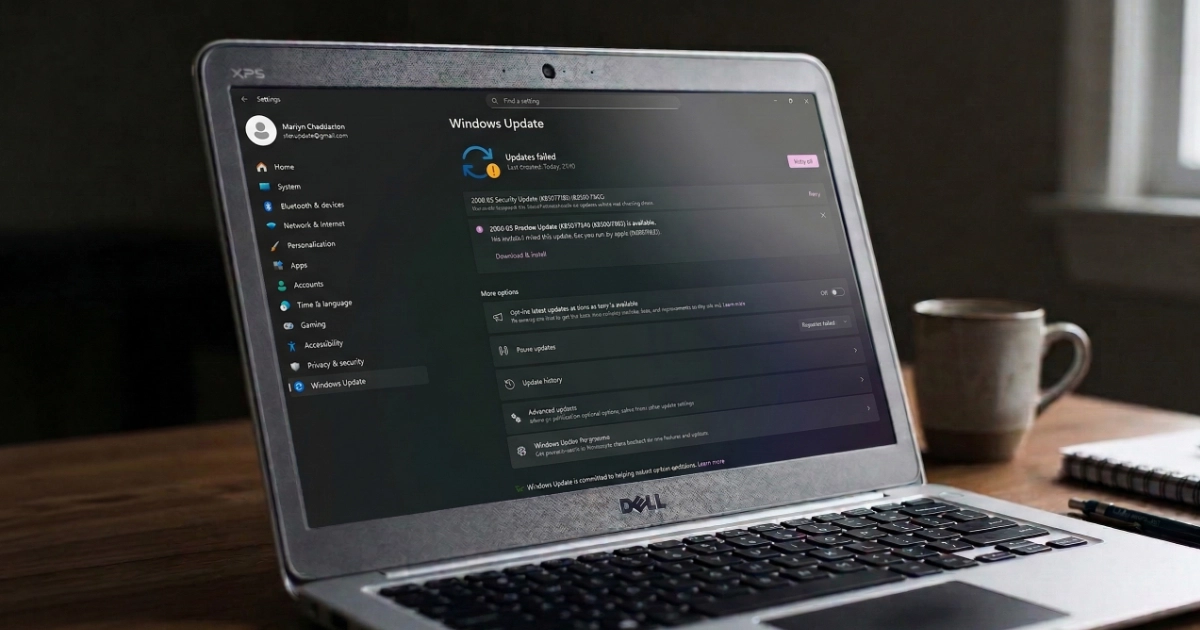
- Manufacturer helper apps from HP, Dell, or Lenovo that launch every time the computer starts.
- Printer software suites that run all the time just so you can print once a month.
Why This Often Affects Retired Users Most
This pattern appears frequently with people who value security and reliability. It is not carelessness; it is caution being exploited by design.
- Pop-ups are written to sound authoritative and alarming.
- Cancelling anything labelled “security” feels risky.
- Auto-renewing subscriptions quietly roll on at £60 to £120 per year.
Real Examples from Local Homes
| What They Noticed | The Real Cause | The Result |
|---|---|---|
| 4-minute startup | Two paid antivirus programs plus a “health check” app running together. | Startup reduced to under one minute using built-in protection. |
| "Loud, constant fans" | Background utilities monitoring the system aggressively. | Startup list cleaned; the PC became quiet and cool. |
| Constant warnings | Three overlapping subscriptions doing the same job. | Over £150 per year saved and a calmer, faster PC. |
How I Help (A Digital Declutter)
When I visit to help with a slow computer, I do not just start deleting things. I take a careful, methodical approach:
- Audit: Identify what is genuinely useful and what is simply bloat.
- Safe removal: Uninstall unnecessary software without breaking settings.
- Subscription check: Help uncover forgotten or duplicated renewals.
- Explanation: I explain what stays, what goes, and why.
The Bottom Line
If your PC feels slow, noisy, or constantly nags you for attention, you probably do not need a new one. You just need your own computer back.